
Page History
...
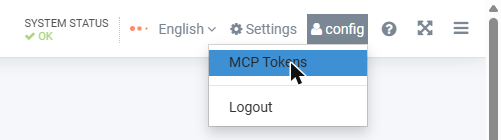
- Click your user name at the top right and select [MCP Tokens].
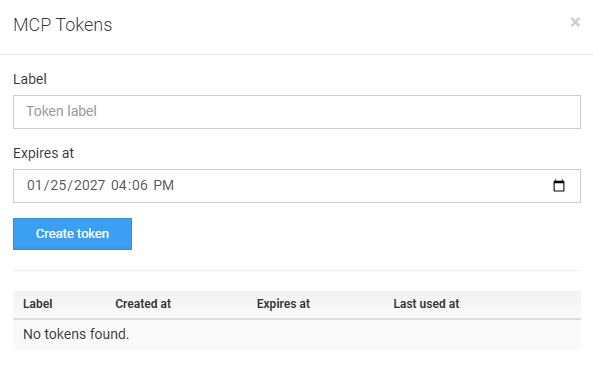
- Enter a label that tells you where the token is used, for example
laptop-claude(letters, digits, dot, underscore and hyphen). The label identifies the token in the token lists and in the MCP server's audit log. - Check the expiry date (the default is 90 days from today) and click [Create token].
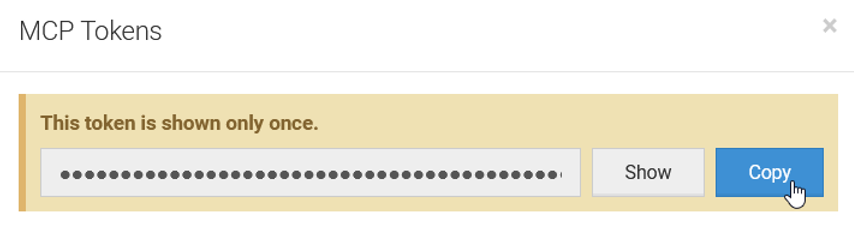
- Copy the token right away and keep it in a safe place. It is shown only once: iDNA stores only a fingerprint (hash) of the token and cannot display it again.
...
| title | Screenshot needed |
|---|
...
In the same dialog, users see their tokens with creation, expiry and last-use dates, and can delete them.
...