Page History
The User Experience page shows key information about your user's current situation. With different tabs for User Device Insights, Connectivity (network) details, individual Microsoft 365 Services experience, Teams Call analytics, User and Device and User Summary.
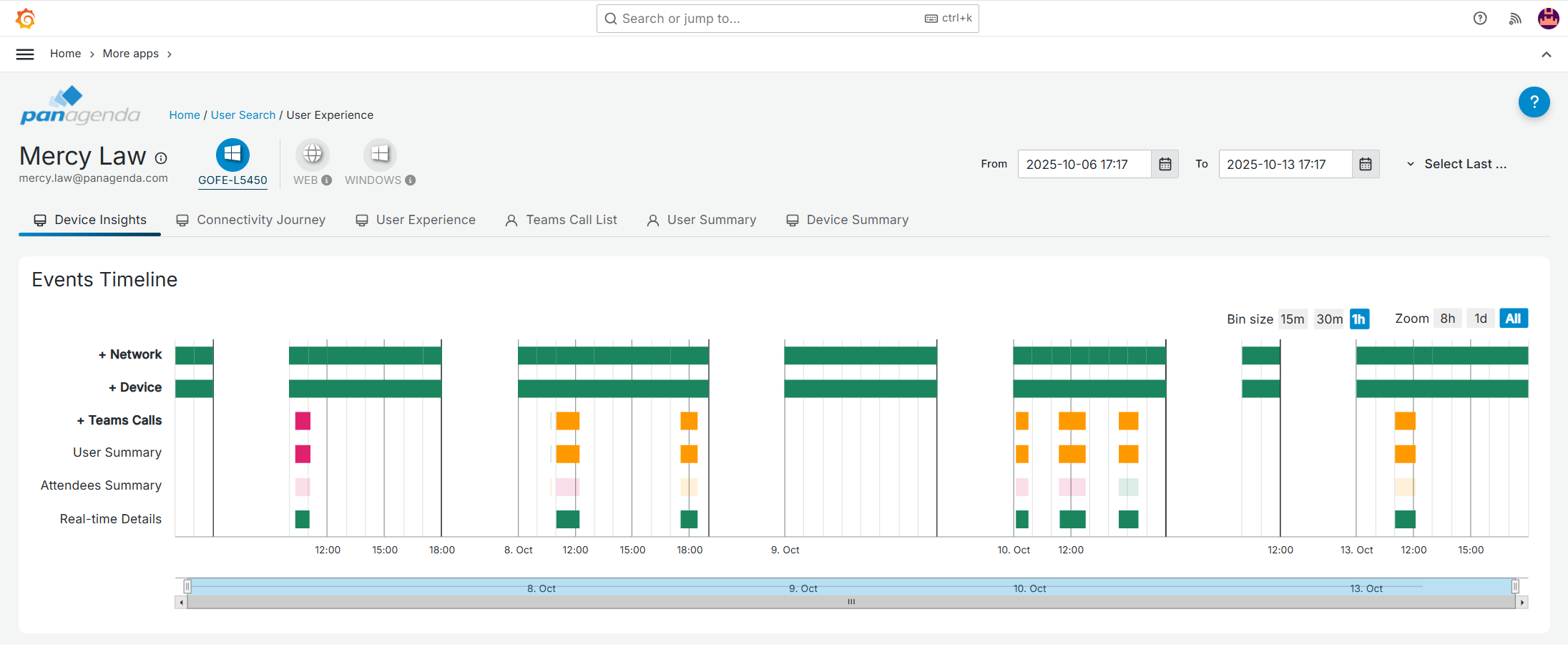
In the top, the different devices (or device platforms) the user used to take Teams calls & meetings on, are listed. This includes devices/platforms that are not monitored like iOS, Android and web but for which CQD data is available. When a device cannot be identified by name, it is identified by platform. To see details for a different device, simpy simply click the corresponding bubble or select it from the dropdown that is shown if more devices are used that than can be shown.
Note! For unmonitored devices, only CQD data is shown. Certain tabs and graphs will therefore not be available in those cases.
Inb In the below pages, we will describe the individual tabs:
...