Thank you, Daniel
Daniel Nashed has done it again for the HCL Notes and HCL Domino community. Within days of the eMudhra CA key compromise becoming public, he published two posts every Domino admin should read: why this is a serious security issue and how to remove the affected certificates.
As so often, Daniel covers the server side in depth, from cacert.pem and the JVM trust store to the Domino Directory, and he even ships a LotusScript test button. Thank you, Daniel, for the time you put into keeping our community secure. This post picks up exactly where things get tricky: the Notes client.
What happened, in short
On 17 October 2026, researchers reported that the private keys of eight eMudhra intermediate CAs can be recovered from public information, because they were generated with extremely weak randomness. Six of these intermediates issue TLS certificates, two issue code-signing certificates, and all eight were cross-signed under the AAA Certificate Services root (originally Comodo, today Sectigo).
Why this matters: whoever holds these keys can issue certificates for practically any domain. A client that still trusts the affected chain and does not enforce revocation accepts such a forged certificate, which opens the door to man-in-the-middle attacks on encrypted connections.
Browsers have already shipped protections. Many other TLS clients, the Notes client included, rely on their own trust stores and are not covered by that.
HCL has also published official guidance for Notes and Domino. KB0134844 describes the manual steps to apply until fixed releases are available. For the Notes client, HCL tracks the issue in two security bulletins: KB0134849 (CVE-2026-108015) covers the outbound network request features of the client, and KB0134848 (CVE-2026-91403, CVE-2026-114820) covers the bundled IBM Semeru JVM. HCL rates both as critical (CVSS 9.1), and both affect Notes 12.0.2 FP8 and earlier, 14.0 FP5 and earlier, and 14.5 up to 14.5.1 FP1.
The server side is covered. The client side is not.
Daniel’s posts and HCL’s KB0134844 list everything a Domino admin needs to check on the server: cacert.pem in the data directory, the JVM trust store, the Domino Directory and certstore.nsf. Depending on the trust store, several root certificates have to go. If you only remove some of them, the chain may still be built through another path.
| Certificate | Remove from (per KB0134844) | SHA-256 fingerprint |
|---|---|---|
| emSign ECC Root CA – G3 | cacert.pem and Java trust store (cacerts) | 86:A1:EC:BA:08:9C:4A:8D:3B:BE:27:34:C6:12:BA:34:1D:81:3E:04:3C:F9:E8:A8:62:CD:5C:57:A3:6B:BE:6B |
| emSign Root CA – C1 | cacert.pem | 12:56:09:AA:30:1D:A0:A2:49:B9:7A:82:39:CB:6A:34:21:6F:44:DC:AC:9F:39:54:B1:42:92:F2:E8:C8:60:8F |
| emSign ECC Root CA – C3 | cacert.pem | BC:4D:80:9B:15:18:9D:78:DB:3E:1D:8C:F4:F9:72:6A:79:5D:A1:64:3C:A5:F1:35:8E:1D:DB:0E:DC:0D:7E:B3 |
| AAA Certificate Services (Comodo) | Domino Directory (names.nsf), on clients also the local names.nsf (Advanced > Certificates); cacert.pem in older versions | D7:A7:A0:FB:5D:7E:27:31:D7:71:E9:48:4E:BC:DE:F7:1D:5F:0C:3E:0A:29:48:78:2B:C8:3E:E0:EA:69:9E:F4 |
If any eMudhra certifiers were added manually to these repositories or to certstore.nsf, HCL recommends removing or replacing them. Notes on Mac relies on the macOS keychain instead of cacert.pem, so apply the latest macOS updates there. Tip: always match certificates by fingerprint, not by name. In cacert.pem, for example, the AAA root appears under the heading „Comodo AAA Services root“, so a search for its subject finds nothing.
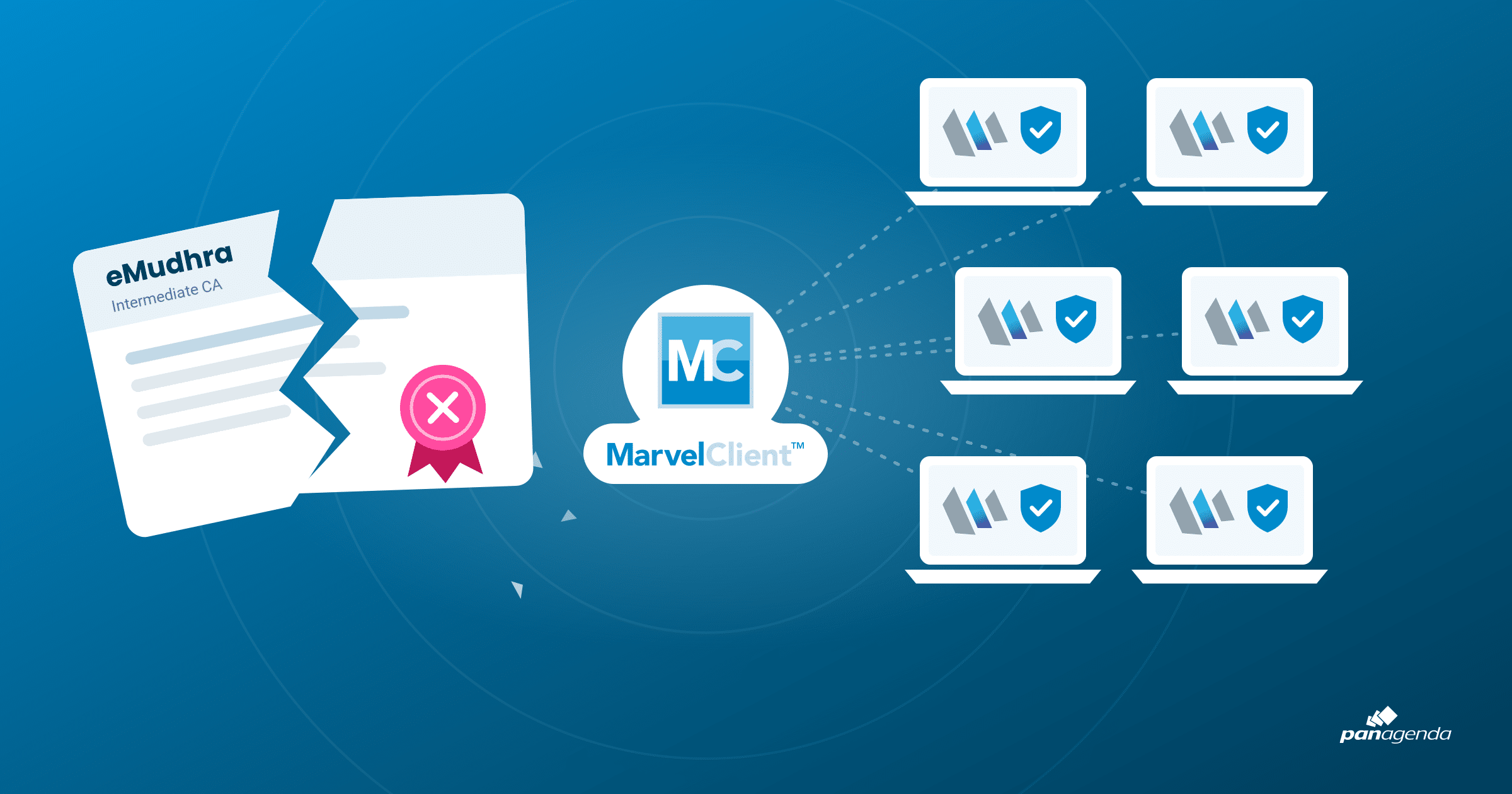
On the client, the same cacert.pem sits in the Notes data directory of every single workstation. There is no built-in way to clean it up across hundreds or thousands of clients. As Daniel points out himself, this is tricky without MarvelClient or similar tooling, and otherwise means getting custom LotusScript to run on every machine.
Our answer: MarvelClient does the cleanup for you
MarvelClient covers the Notes-specific places where the affected roots can sit:
- cacert.pem: MarvelClient can distribute an updated cacert.pem into the Notes data directory and overwrite the existing copies on every client, right away and without an agent.
- names.nsf: We have written a small agent that checks the local names.nsf for the compromised certifiers listed in KB0134844, such as AAA Certificate Services (Comodo), and removes them automatically. It runs through MarvelClient, without any user interaction. All you need is a MarvelClient Basic license, which lets you run agents on your clients.
- Java trust store (cacerts): The Java trust store file cacerts (no file extension) sits in the Notes program directory under jvm\lib\security, where writing requires admin rights. MarvelClient Upgrade can replace it with an updated version, or you simply use the software deployment solution of your choice.
For the operating system itself, most organizations already have established processes to manage and distribute certificates, for example for the Windows certificate store via client management or software distribution. Technically, MarvelClient Upgrade could handle this as well, but we recommend sticking with your existing processes there. Use MarvelClient, and MarvelClient Upgrade wherever admin rights are needed, for what they do best: correcting certificates in and around Notes.
How to get the agent
We are happy to share the agent with every customer. Just send an email to support@panagenda.com, and we will send you a container database with the agent plus a short guide on how to roll it out quickly. If you prefer, we will also walk you through it in a short hands-on session.
Your checklist
- Read Daniel’s two posts and HCL’s KB0134844, then work through the server side: cacert.pem, JVM trust store, Domino Directory and certstore.nsf.
- Remove every certificate HCL lists for each trust store, including the Comodo AAA certifier in the Domino Directory, not just some of them.
- For your Notes clients, distribute an updated cacert.pem via MarvelClient, request the names.nsf agent at support@panagenda.com, and replace the Java trust store cacerts via MarvelClient Upgrade or your software deployment solution of choice.
- Test afterwards with Daniel’s LotusScript test button and the live test site by Dennis Jackson. The button tests the LotusScript HTTP request class only; other paths such as the embedded browser need their own test.
- Handle the operating system side through your established certificate management processes, such as Windows client management or software distribution. Other applications on the workstation use their own trust stores, and a passing test in a browser or curl does not prove they are protected.
Further reading
- Daniel Nashed: eMudhra CA Key Compromise, why this is a serious security issue
- Daniel Nashed: eMudhra CA Key Compromise, how to remove the affected certs
- Dennis Jackson: eMudhra Intermediate CA Compromise, background and live client tests
- SOCRadar: eMudhra CA Key Compromise, weak keys, risks and fixes
- HCL: What steps are required to protect HCL Notes and Domino from the eMudhra Certificate Compromise issue? (KB0134844)
- HCL: Security Bulletin: eMudhra Compromised Certificate vulnerability impacts HCL Notes Client, CVE-2026-108015 (KB0134849)
- HCL: Security Bulletin: eMudhra Compromised Certificate vulnerabilities in Java impact HCL Notes Client, CVE-2026-91403 and CVE-2026-114820 (KB0134848)